
Ten-band graphic equalizer
32، 64، 125، 250، 500، 1000، 2000، 4000، 8000 ۋە 16000 Hz لارنى −12 dB دىن +12 dB غا يۆتكەڭ، شۇڭا پۈتكۈل ئارىلاشمىلارنى قايتا يازماي تۇرۇپ بىر دائىرە ئۆزگىرىدۇ.
Gently press the tweeter more, then shape the lower part of the ten belts. When playing the tag, trigger the sound, save the cache of each website, and restore the original mix at any time.
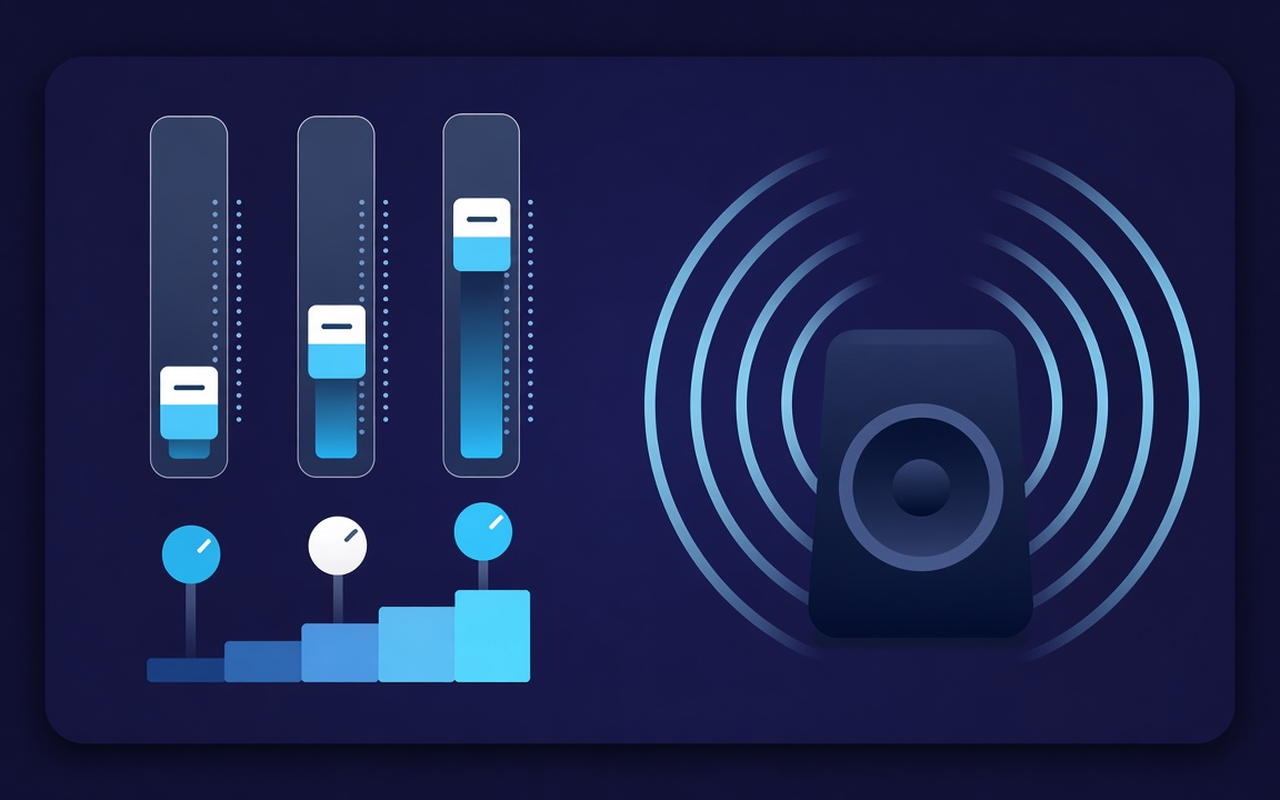
ئويناۋاتقان بەتكۈچكە ئاھاڭ
32، 64، 125، 250، 500، 1000، 2000، 4000، 8000 ۋە 16000 Hz لارنى −12 dB دىن +12 dB غا يۆتكەڭ، شۇڭا پۈتكۈل ئارىلاشمىلارنى قايتا يازماي تۇرۇپ بىر دائىرە ئۆزگىرىدۇ.
When the memory computer is free, load the low-speed hoist or use Bass Cut when the home is already busy.
Jump to beats, rock, classical, Hip-Hop, speech, small echoes, and others, then defeat any music band after preloading.
Raise the silent podcasts and old clips with the level control next to the belt, then ease the next insert when it has already been at high volume.
A treatment follows the page that triggered your response, so another page can continuously play the site mix as the author.
Remember the curve of each website, save twenty order coupons, convert them to service, and delete the ones that exceed yourself.
Simple through design
نۆۋەتتىكى بەتكۈچ ئۈچۈن Chrome سەكرەش تەڭشىكى - ئون بەلۋاغ، باس فوكۇس توغرىلاش ۋە ھەر بىر تور بوشلۇقى ئىچكى ساقلىغۇچ بىلەن ئاۋاز كۈچەيتكۈچ.
Chrome Web Store
“Bass Boost نىپىز خاتىرە كومپيۇتېر ياڭراتقۇسىنى باشقا بەتكۈچلەرگە تەگمەي كېچىكىپ قويۇش تىزىملىكىدە ئىشلىتىشكە بولىدۇ.”
“Sound and speech advance prior speaking; the voice recorder helps greatly when recorded quietly.”
“The archives on each site show that my textbook page and music page do not collide on a curve.”
Three fast steps
سىز شەكىللەندۈرمەكچى بولغان دەرسنى، قويۇش تىزىملىكىنى ياكى سىننى باشلاڭ، ئاندىن قورال تۈرىدىكى Sound Equalizer – Bass Booster نى ئېچىڭ.
Enable processing, preload or move ten belts and adjust the volume. Closing the popup window - the work continues on this tab.
Open the pop-up window to change the curve, preset, delete tokens, or restore the original sound delivered by the website.
Answer before installation
No. Processing stays on the tab that initiated the action. Other tabs will wait to interact with the website until it finishes expanding that area.
Bass Boost ئالدىن قاچىلانغان يۈكنى يۈكلەڭ ياكى تۆۋەن Hz بەلۋاغنى ئۆستۈرۈڭ (مەسىلەن 32، 64 ۋە 125). قىسقۇچنىڭ ئۆزى بەك جىمجىت بولمىسا ئاۋاز نىسبىتىنى يالغۇز قويۇڭ.
Every oscillator has a steady central frequency from 32 Hz to 16000 Hz, with adjustable ±12 dB. Small movements are usually sufficient. Excessive boosting sounds muddy or harsh.
ھەئە. سەكرىمە ھالەتتە ئاۋاز كونتروللۇقىنى ئىشلىتىڭ - ئۇ بەتكۈچ دەرىجىسىنى %600 گىچە كۆتۈرەلەيدۇ. كىچىك قەدەملەرنى كۆپەيتىپ، شالۋاق ئاۋازنى ئاشكارىلاپ، يورۇق ياكى ئاۋات بەلۋاغلارنى تەڭشىڭ.
Every website archive remembers the curve of that page. You can save, edit, and delete your previous orders (up to twenty) next to the nineteen names you have entered.
Soundni o'chiring yoki qayta tiklash uchun qong‘iroq oynasidan foydalaning, va ushbu tegdagi sahifadagi oqimni tinglang.