
Ten-band graphic equalizer
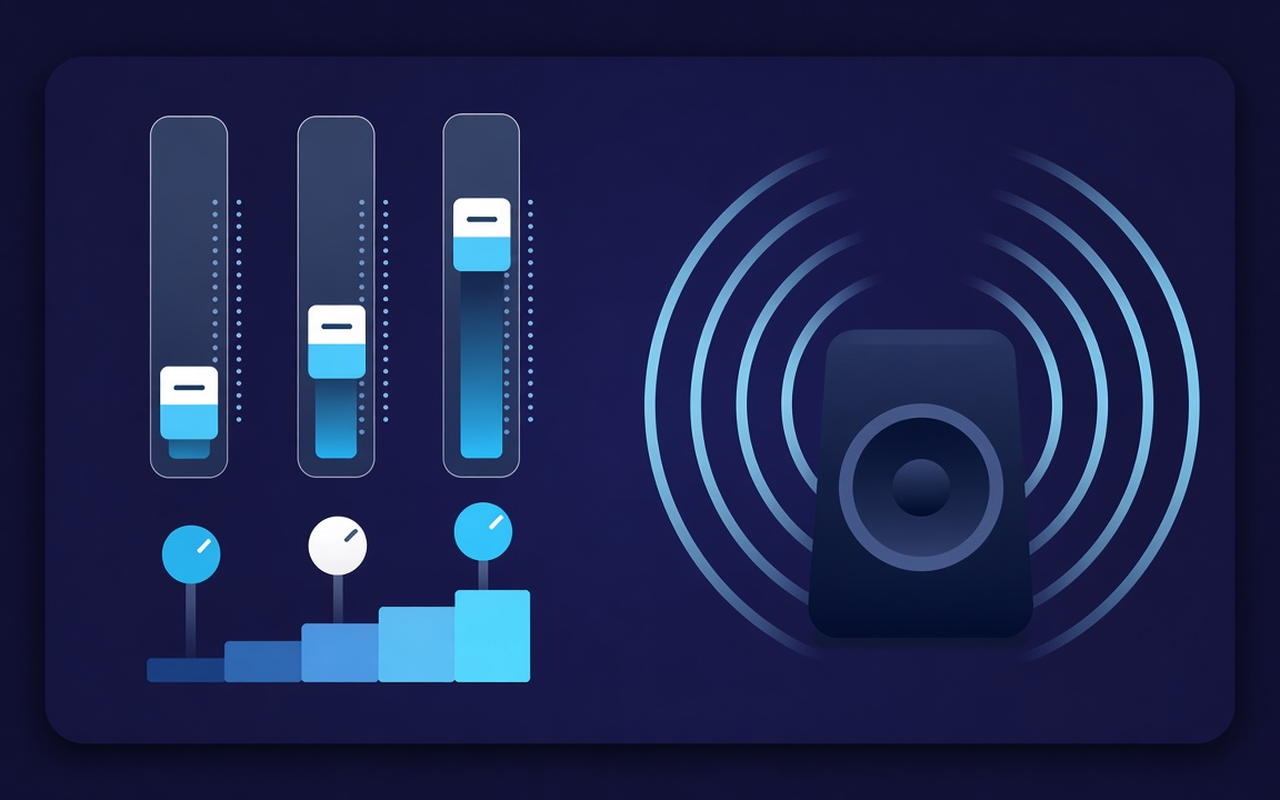
Move 32, 64, 125, 250, 500, 1000, 2000, 4000, 8000, and 16000 Hz from -12 dB to +12 dB so one range can change without rewriting the whole mix.
Give thin speakers more bass, then shape the lows across ten bands. Turn the effect on while a tab plays, save per-site profiles, and restore the original mix anytime.
Go Go Gadget Tab That Play
Move 32, 64, 125, 250, 500, 1000, 2000, 4000, 8000, and 16000 Hz from -12 dB to +12 dB so one range can change without rewriting the whole mix.
Load Bass Boost or raise the low sliders when a laptop sounds hollow, or use Bass Cut when the room is already boomy.
Jump from Flat to Voice, Rock, Classical, Hip-Hop, Speech, Small Speakers, and more, then nudge any band after the preset loads.
Lift quiet podcasts and older clips with the level control beside the bands, then ease back when the next clip is already loud.
Processing follows the tab where you turned the effect on, so another tab can keep playing the site mix as authored.
Gakologelwa sebopego sa setsha sengwe le sengwe, boloka di-presets tse di ka nnang masome a mabedi, di ree maina a tiro mme o phimole tse o di tlogetseng.
Simple by design
A Chrome popup equalizer for the current tab — ten bands, bass-focused presets, and a volume booster with per-site memory.
Chrome Web Store
“Bass Boost makes thin laptop speakers usable for late-night playlists without touching other tabs.”
“Voice and Speech presets bring speech forward; the volume slider helps if a host recorded too quietly.”
“Per-site profiles mean my lecture tab and music tab do not compete for a single profile.”
Dikgato tse tharo tse di potlakileng
Tobetsa setshwantsho se o se batlang, setshwantsho kgotsa bidio e o batlang go e tobetsa, o bo o bula Sound Equalizer – Bass Booster go tswa mo sedirisiweng sa gago.
Enable processing, load a preset or move the ten bands, and set the volume. Close the popup — work continues on that tab.
Bula gape popup go fetola mogorogoro, go fetola di-presets, go tima motlakase, kgotsa go busetsa modumo wa tshimologo o webosaete e e tlisitsweng.
Answers before you install
Nnyaa. Processing remains on the tab where you turned the effect on. Other tabs keep the mix the site intended until you enable the extension there too.
Load the Bass Boost preset or raise the low Hz bands (especially 32, 64, and 125). Leave the volume percentage alone unless the clip itself is too quiet.
Slider nngwe le nngwe e beilwe mo bogareng jo bo tsepameng go tswa go 32 Hz go ya go 16000 Hz, e e fetolegang go tswa go -12 dB go ya go +12 dB. Dipaakanyo tse dinnye gantsi di lekane; di-booster tse di tseneletseng di ka utlwala di le bogale kgotsa tse di bogale.
Ee. Use the volume control in the popup — it can raise the tab level up to 600%. Increase in small steps and trim bright or boomy bands if the gain exposes noise.
Per-site profiles remember the curve for that page. You can also save, rename, and delete your own presets (up to twenty) along the nineteen built-in names.
Tima ditlamorago, kgotsa tobetsa Restore original mo popup, go utlwa molatswana o o sa amegang go tswa mo webosaeteng e e mo tabong eo.