
Ten-band graphic equalizer
Adjusta 32, 64, 125, 250, 500, 1000, 2000, 4000, 8000, uye 16000 Hz kubva −12 dB kusvika +12 dB kuti rimwe divi richinje pasina kudzokorora musanganiswa wose.
Give thin spikes to some basses, then create layers on ten bands. Turn on the mode when the tab plays, save per-site profiles, and restore the original mix at any time.
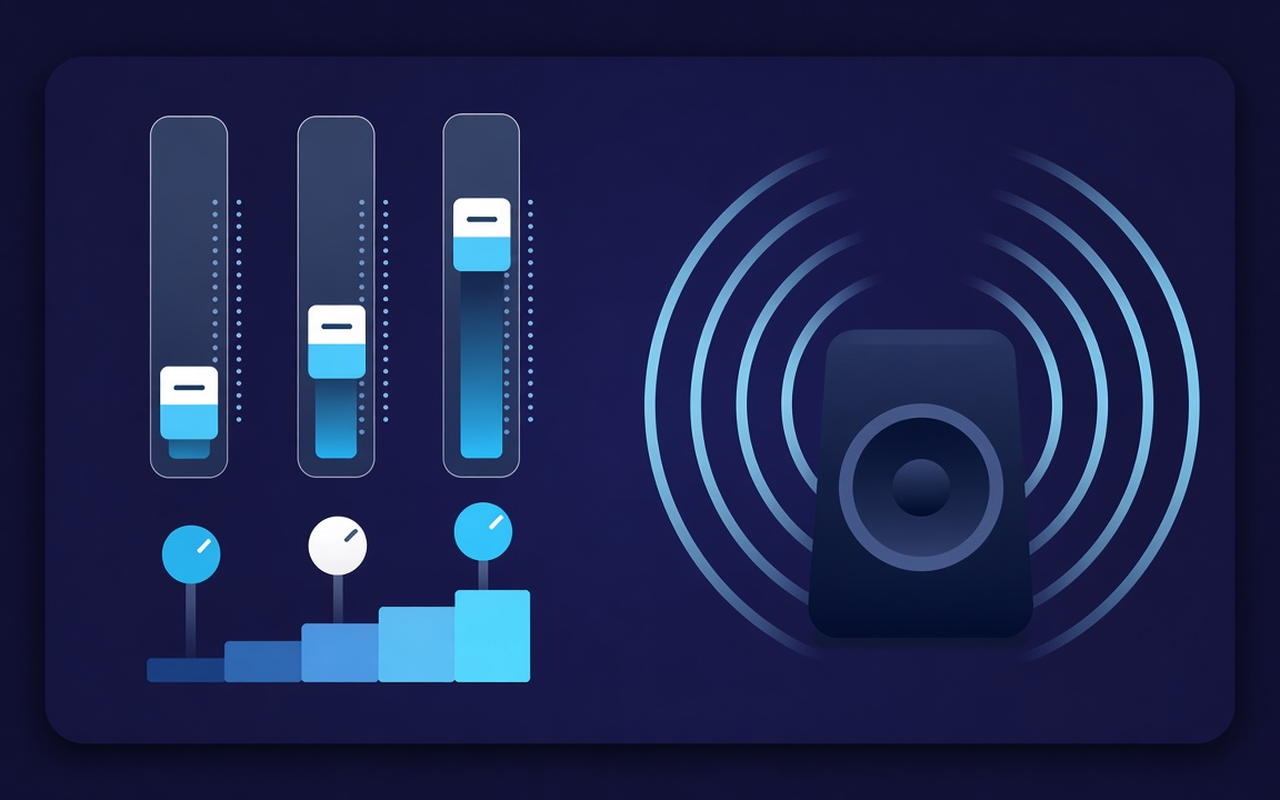
Toni yetabhu iri kutamba
Adjusta 32, 64, 125, 250, 500, 1000, 2000, 4000, 8000, uye 16000 Hz kubva −12 dB kusvika +12 dB kuti rimwe divi richinje pasina kudzokorora musanganiswa wose.
Rodha Bass Boost kana kusimudza masiraidhi akaderera kana laptop ichinzwa isina nhanho, kana shandisa Bass Cheka kana kamuri yava boomy.
Svetuka kubva kuFlat uchienda kuInzwi, Dombo, Classical, Hip-Hop, Kutaura, Vatauri Vadiki, uye nezvimwe, wobva wagutsurira chero bhendi mushure mekutakura preset.
Raise quiet podcasts and old clips with a moderate volume next to the bands, then lower them when the next clip is noisy.
Fixing follows the tab you activated behavior, so another tab can keep playing the site in combination as registered.
Rangarira curve yepawebhusaiti yega yega, chengetedza anosvika makumi maviri etsika presets, tumira zita rebasa racho, uye bvisa ayo auri kukura nawo.
Easy and creative
Popup ye Chrome inoenderana netabhu yazvino - mabhendi gumi, mapreseti anotarisa bass, uye simba revhoriyamu rine ndangariro dzepa-site.
Chrome Web Store
“Bass Boost inokurudzira kuti vatauri velaptop vashande nemazvo panononoka husiku playlists pasina kubata mamwe matabhu.”
“Inzwi neKutaura preset inokwevera kutaura kumberi; vhoriyamu inotsvedza inobatsira kana muenzi akarekodha zvinyararire.”
“Per-saiti profiles zvinoreva kuti yangu yekudzidzisa tebhu uye mimhanzi tebhu haisi kurwiswa pamusoro peimwe curve.”
Three quick steps
Starta hurukuro, playlist, kana vhidhiyo yaunoda kuumba, wobva wavhura Sound Equalizer – Bass Booster kubva mutoolbar.
Enable kugadzirisa, kurodha preset kana kufambisa mabhendi gumi, uye isa vhoriyamu. Vhara iyo popup - basa rinoenderera pane iyo tab.
Rebhuropapopu kuti uchinje curve, shandura presets, bvisa, kana kudzoreredza ruzha rwepakutanga rwepa saiti yauya nayo.
Answer before you place
No. Upgrades remain on the tab where you enabled the mode. Some tabs keep a combination of sites arranged until you enable adding there.
Rodha iyo Bass Boost preset kana kusimudza mabhendi eHz akaderera (zvikuru 32, 64, uye 125). Rega huwandu hwevhoriyamu huri hwega kunze kwekunge clip yacho iri kunyarara zvakanyanya.
Each one slides across a set frequency range from 32 Hz to 16000 Hz, moving from -12 dB to +12 dB. Small movements are usually sufficient; excessive increases can be heard as muddiness or harshness.
Yes. Shandisa vhoriyamu kutonga mu popup - inogona kusimudzira nhanho yetab kusvika 600%. Wedzera nezvidiki uye cheka mavhasi akajeka kana mabhendi anopaza kana akawanikwa achiratidza ruzha.
Maprofile epa-saiti anorangarira curve yepaji. Iwe unogona zvakare kuchengetedza, kupa zita, uye kubvisa mapresets ako ega (kusvika makumi maviri) pamusoro pezita gumi nemapfumbamwe akavakirwa-mukati.
Turn off gestures, or use restore to default in the popup, to experience the untouched flow from the site on the tab.