
10-بینډ ګرافیک ایډجسټر
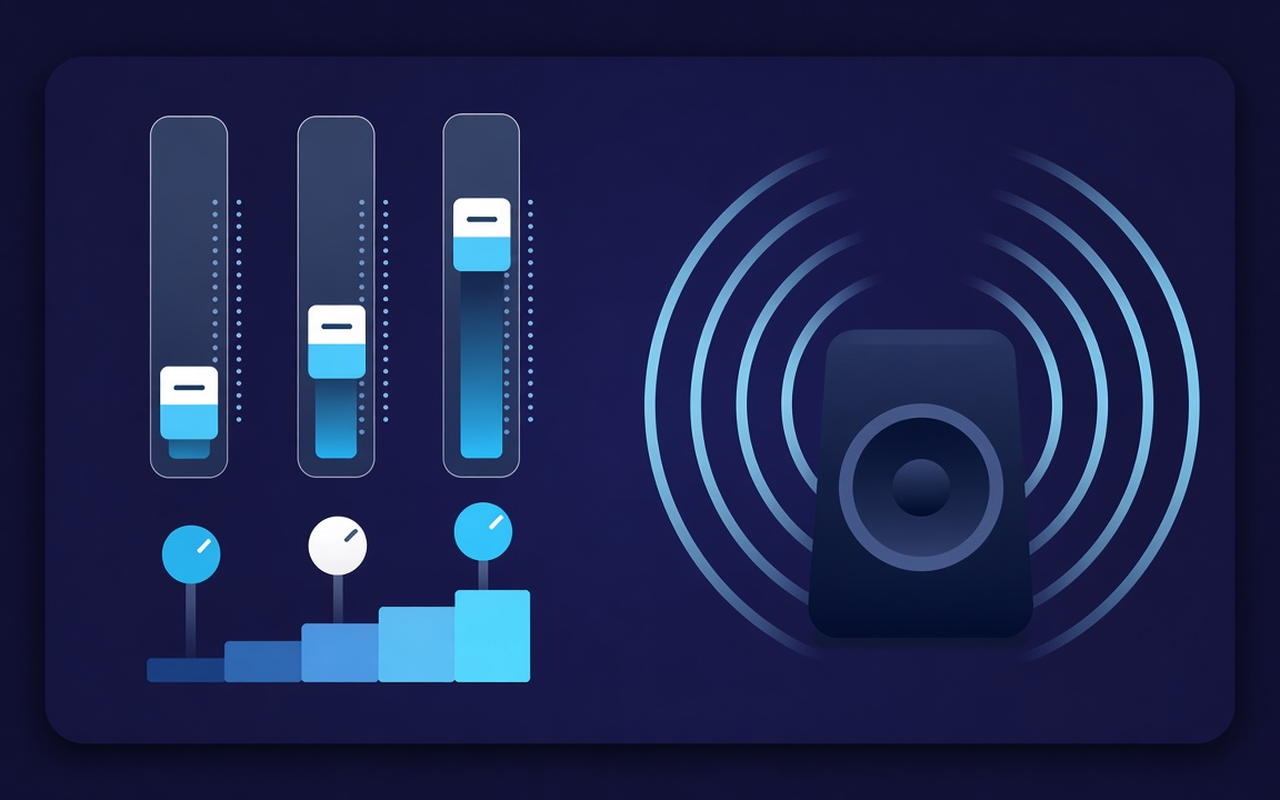
32، 64، 125، 250، 500، 1000، 2000، 4000، 8000، او 16000 Hz له −12 dB څخه +12 dB ته حرکت وکړئ نو یو سلسله د ټول مخلوط له بیا لیکلو پرته بدلیدلی شي.
کمزور سپیکرونو ته ډېر باس ورکړئ، بیا په لسو بڼو کې ټیټ غږونه شکل کړئ. اغېزه فعال کړئ پداسې حال کې چې یوه ټب غږوي، د هر سایټ پروفایلونه خوندي کړئ، او هر وخت اصلي مکس بیرته ترلاسه کړئ.
د هغه ټب ټون چې روان دی
32، 64، 125، 250، 500، 1000، 2000، 4000، 8000، او 16000 Hz له −12 dB څخه +12 dB ته حرکت وکړئ نو یو سلسله د ټول مخلوط له بیا لیکلو پرته بدلیدلی شي.
د باس لوړ کړئ یا ټیټ سلایډونه پورته کړئ کله چې لیپ ټاپ خالي غږ کوي، یا د باس کټ وکاروئ کله چې خونه دمخه بوم وي.
Go from flat sound, rock, classical, hip hop, speech, small speakers and more, then tap any band after preloading.
خاموش پوډکاسټونه او زاړه کلپونه د حجم کنټرول سره پورته کړئ، بیا وروسته آرام کړئ کله چې راتلونکی کلیپ لا دمخه لوړ وي.
Processing follows the tab where you enabled the effect, so another tab can continue playing the site mix as the author.
Remember the cookies for each site, save up to twenty custom presets, rename them for the task, and delete the ones you are improving.
د ډیزاین له مخې ساده
For the current tab Chrome popup enhancer — ten bundles, boss-focused presets, and a volume booster with memory for every site.
Chrome Web Store
“Bass Boost د لپ ټاپ سپیکرونه د شپې ناوخته پلی لیستونو لپاره د نورو ټبونو لمس کولو پرته د کارولو وړ ګرځوي.”
“Audio and speech suggestions advance conversation; the volume slider helps when the host records very quietly.”
“The profiles of each site mean that my lecture tab and my music tab do not conflict in one circle.”
درې چټک ګامونه
Start the lecture, playlist, or video you want to format, then open Sound Equalizer – Bass Booster from the toolbar.
Enable processing, upload a preset or move ten sliders, and adjust the volume. Close the pop-up - work continues in this tab.
To change the curve, reopen the popup, change the presets, turn off the power, or restore the original sound provided by the site.
ځوابونه مخکې له دې چې تاسو نصب کړئ
No. Processing remains in the tab where you enabled the effect. Other tabs retain the desired site mix until you also enable the extension there.
Raise the bass boost preset or increase the low Hz bands (especially 32, 64, and 125). Just leave the volume percentage unless the clip itself is extremely quiet.
هر سلایډر د 32 Hz څخه تر 16000 Hz پورې د ثابت مرکز فریکونسۍ لري، چې د −12 dB څخه تر +12 dB پورې حرکت کولی شي. کوچني حرکتونه معمولا کافي وي؛ ډیر لوړوالی کیدای شي خټه یا سخت غږ رامنځته کړي.
Yes. Use the volume control in the pop-up – it can increase the tab level up to 600%. Increase in small steps and reduce bright or native boosts if the output shows noise.
Each site profile remembers the hook for this page. You can save your own presets (up to twenty) alongside the nineteen built-in names, rename them, and delete them.
Disable the effect, or use the main recovery in the popup, to suddenly stream from the site in this tab.