
Ten-band graphic equalizer
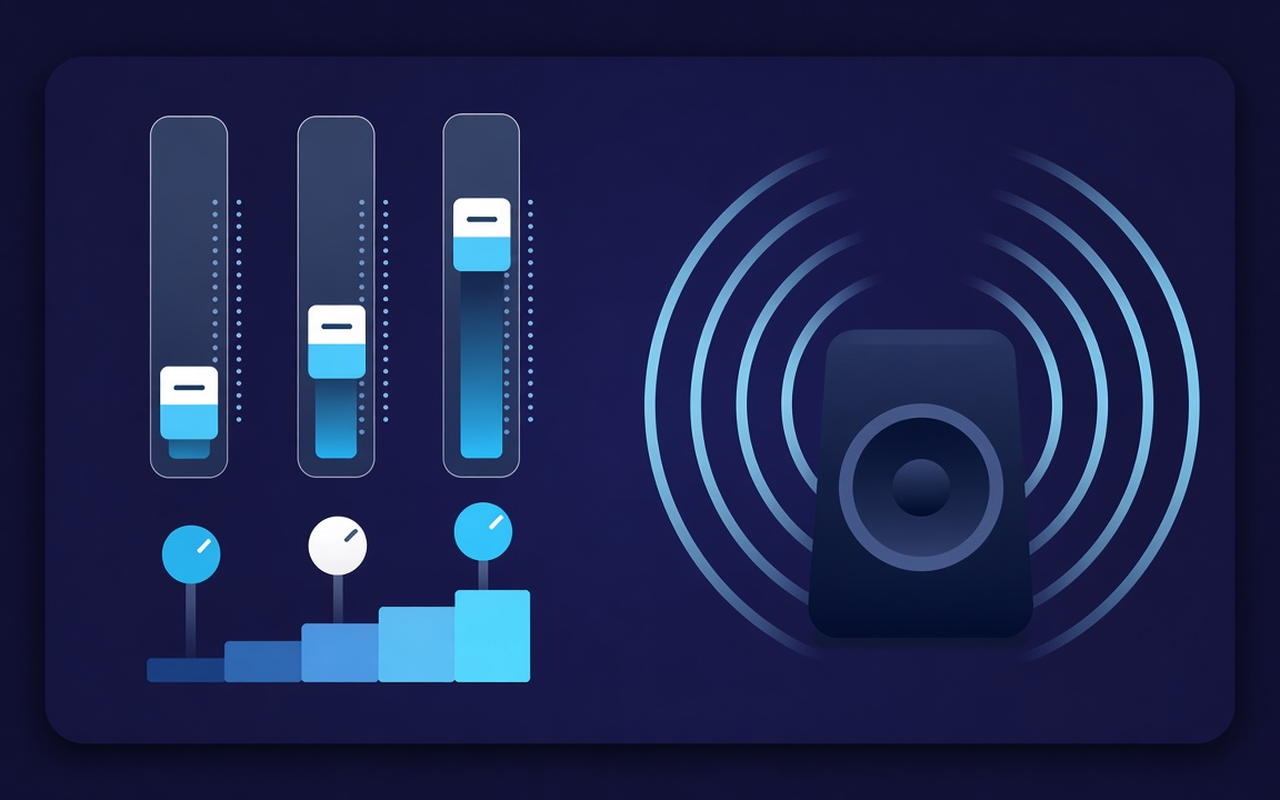
Change 32, 64, 125, 250, 500, 1000, 2000, 4000, 8000, and 16000 Hz from -12 dB to +12 dB so that one range can be changed without rewriting the entire mix.
Give thin speakers more bass, then shape the low tones in ten bands. Enable the effect while playing a card, save profiles for individual sites, and restore the original mix at any time.
Sound of the playing card
Change 32, 64, 125, 250, 500, 1000, 2000, 4000, 8000, and 16000 Hz from -12 dB to +12 dB so that one range can be changed without rewriting the entire mix.
Turn on the Bass Boost feature or raise the lower sliders when the laptop sounds muffled, or use the Bass Cut feature when the room is already noisy.
Jump from flat mode to sounds, rock, classical music, hip-hop, speech, small speakers, and more, then tap any band after loading the programmed settings.
Raise quiet podcasts and older clips using the level control next to the bands, then back off when the next clip is already loud.
Processing occurs on the tab where the effect is enabled, so another tab can play the site mix according to its authorship.
Remember the curve for each site, save up to twenty custom presets, rename them according to the task, and delete those that outgrow.
Prosty projekt
Wyskakujący korektor Chrome dla bieżącej karty — dziesięć pasm, ustawienia wstępne skoncentrowane na basach oraz wzmacniacz głośności z pamięcią dla poszczególnych lokalizacji.
Chrome Web Store
“Funkcja Bass Boost sprawia, że cienkie głośniki laptopa nadają się do odtwarzania nocnych playlist bez konieczności dotykania innych kart.”
“The programmed voice and speech settings push the conversation forward; the volume slider helps when the host records too quietly.”
“Profiles for individual sites mean that my lecture card and music do not conflict over a single curve.”
Three quick steps
Start the lecture, playlist, or video you want to shape, and then open Sound Equalizer – Bass Booster in the toolbar.
Enable processing, load a preset, or move ten bands and set the volume. Close the pop-up — work on this tab continues.
Reopen the popup to change the curve, switch presets, turn off the power, or restore the original sound provided by the site.
Responses before installation
No. Processing remains on the tab where you enabled the extension. Other tabs retain the site's intentions until you enable the extension on them as well.
Load the Bass Boost preset or increase the low Hz bands (especially 32, 64, and 125). Leave the volume percentage alone unless the clip itself is too quiet.
Each slider has a fixed center frequency from 32 Hz to 16000 Hz, which can be adjusted in the range of -12 dB to +12 dB. Usually, small movements are enough; extreme boosts can sound muddy or harsh.
Yes. Use the volume adjustment in the pop-up window — it can raise the track level up to 600%. Increase the volume in small steps and trim bright or booming frequencies if the boost emphasizes noise.
Profiles for individual sites remember the curve for that site. In addition to the nineteen built-in names, you can also save, change names, and delete your own presets (up to twenty).
Turn off the effect or use the restore original function in the popup to listen to the untouched stream from the site on this tab.