
Ten-band graphic equalizer |
32, 64, 125, 250, 500, 1000, 2000, 4000, 8000, ଏବଂ 16000 Hz କୁ −12 dB ରୁ +12 dB କୁ ଘୁଞ୍ଚାନ୍ତୁ ତେଣୁ ସମଗ୍ର ମିଶ୍ରଣକୁ ପୁନଃଲିଖନ କରି ଗୋଟିଏ ପରିସର ପରିବର୍ତ୍ତନ ହୋଇପାରେ |
Turn up the bass on the thin speaker, then shape the sound across the ten bands. When playing a tab, turn on its effect, save each site profile, and restore the original mix at any time.
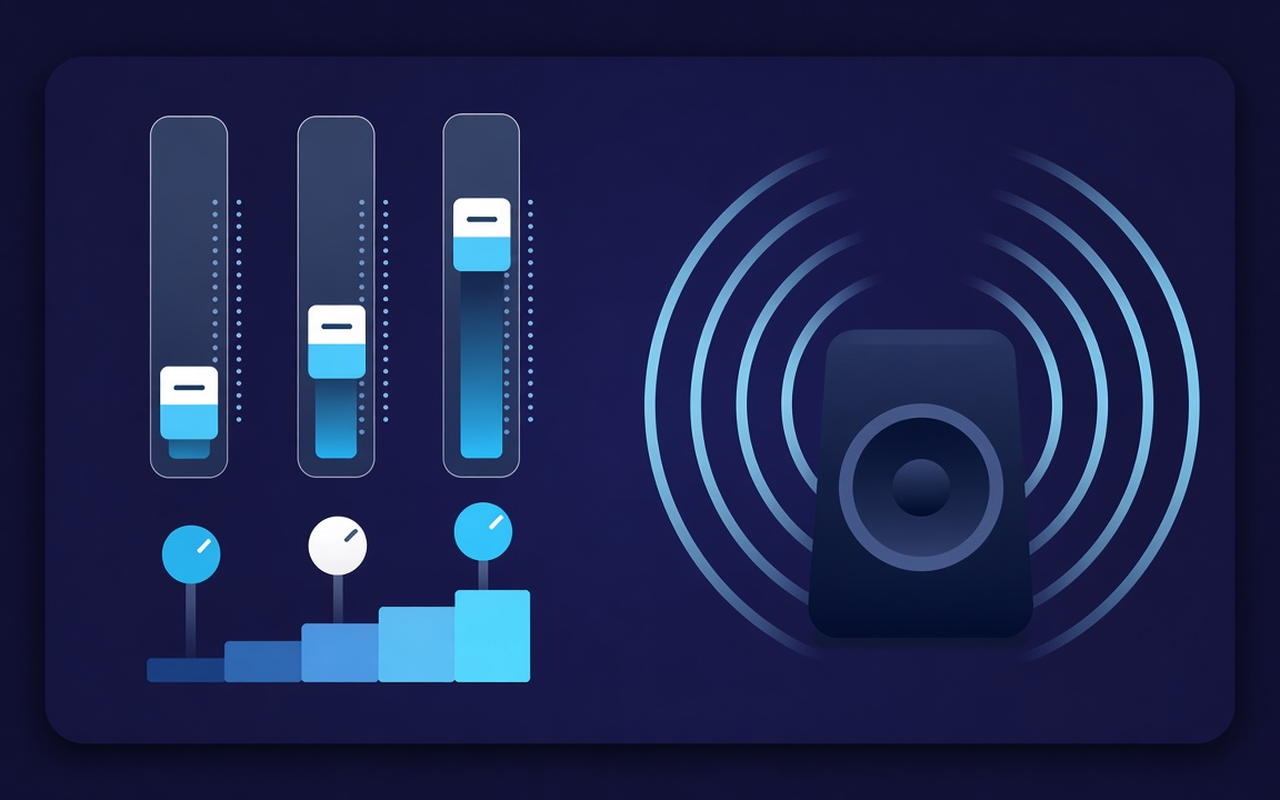
ଯେହେଁ ଟ୍ୟାବ୍ ଖେଳୁଛି ତାହା ପାଇଁ ସ୍ୱର
32, 64, 125, 250, 500, 1000, 2000, 4000, 8000, ଏବଂ 16000 Hz କୁ −12 dB ରୁ +12 dB କୁ ଘୁଞ୍ଚାନ୍ତୁ ତେଣୁ ସମଗ୍ର ମିଶ୍ରଣକୁ ପୁନଃଲିଖନ କରି ଗୋଟିଏ ପରିସର ପରିବର୍ତ୍ତନ ହୋଇପାରେ |
Increase the bass when loading Boost or when a laptop is in silent mode, or use bass cut if the room is already noisy.
From the flat, bass, rock, classical, hip-hop, speech, small speaker and others to DAW, then load the preset and drag any band.
Raise the quiet podcasts and old clips with the level control near the band, then comfortably replay the next clip at a high volume.
Follow the processing tab where you had turned on its effect, so another tab can continue playing the site mix as the author.
ପ୍ରତ୍ୟେକ ସାଇଟ୍ ପାଇଁ ବକ୍ରକୁ ମନେରଖ, କୋଡ଼ିଏଟି କଷ୍ଟମ୍ ପ୍ରିସେଟ୍ ସଞ୍ଚୟ କର, ଚାକିରି ପାଇଁ ସେଗୁଡ଼ିକର ନାମ ପରିବର୍ତ୍ତନ କର ଏବଂ ତୁମେ ବ gr ଼ୁଥିବାଗୁଡ଼ିକୁ ବିଲୋପ କର |
ଡିଜାଇନରେ ସରଳ
A Chrome popup equalizer for recent tabs - ten-band, bass-focused preset and per-site memory with a volume booster.
Chrome Web Store
“Bass boost enables a thin laptop speaker for a delayed night playlist without touching other tabs.”
“Voice and speech preset pull the conversation forward; when a host records very quietly, the volume slider helps.”
“Every site profile does not fight on a single curve between my Speech tab and Music tab.”
ତିନୋଟି ଶୀଘ୍ର ପଦକ୍ଷେପ
Start the speech, playlist, or video you want to create, then open Sound Equalizer – Bass Booster from the toolbar.
Enable processing, load a preset or rotate the ten bands, and set the volume. Close the popup - work continues in that tab.
Open the pop-up to restore the crooked change, preset switch, power off, or the distributed site.
ଆପଣ ସଂସ୍ଥାପନ କରିବା ପୂର୍ବରୁ ଉତ୍ତରଗୁଡ଼ିକ
No. It stays in the Processing tab where you had turned on its effect. The other tabs keep the blend site-specific until you enable expansion there.
ବ୍ୟାସ୍ ବୁଷ୍ଟ ପ୍ରିସେଟ୍ ଲୋଡ୍ କରନ୍ତୁ କିମ୍ବା ନିମ୍ନ Hz ବ୍ୟାଣ୍ଡକୁ ବୃଦ୍ଧି କରନ୍ତୁ (ବିଶେଷକରି 32, 64, ଏବଂ 125) | କ୍ଲିପ୍ ନିଜେ ବହୁତ ଶାନ୍ତ ନହେବା ପର୍ଯ୍ୟନ୍ତ ଭଲ୍ୟୁମ୍ ଶତକଡା ଏକାକୀ ଛାଡିଦିଅ |
Each slider is a fixed center frequency from 32 Hz to 16000 Hz, varying from −12 dB to +12 dB. Small movements are generally sufficient; excessive increases can be harsh or rough.
Yes, use the volume control in Popup - it can raise the tab level up to 600%. Increase in small steps and when the gain word is highlighted, cut the bright or boom band.
ପ୍ରତ୍ୟେକ ସାଇଟ୍ ପ୍ରୋଫାଇଲ୍ ସେହି ପୃଷ୍ଠା ପାଇଁ ସୁନିଶ୍ଚିତ କରେ | ଆପଣ ନବୀନ ବିଲ୍ଟ-ଇନ୍ ନାମ ପାଖରେ ନିଜସ୍ୱ ପ୍ରିସେଟ୍ (କୋଡ଼ ସହିତ) ସଞ୍ଚୟ, ପୁନରାବୃତ୍ତି କରିପାରିବେ, ନାମ ପରିବର୍ତ୍ତନ କରିପାରିବେ ଏବଂ ହଟାଇପାରିବେ |
Listen to the unavailable stream from that tab, use the restore main installation in the popup.