
Grafische equalizer met tien banden
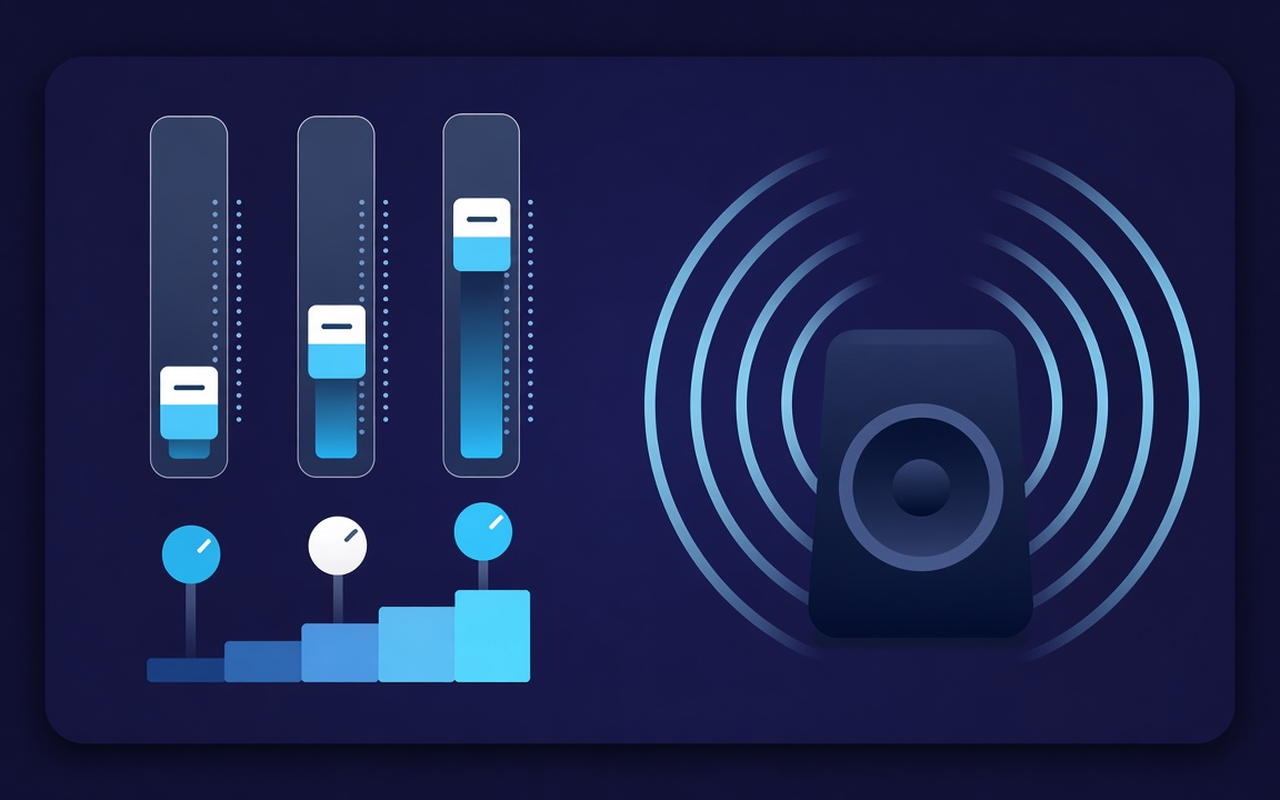
Move 32, 64, 125, 250, 500, 1000, 2000, 4000, 8000, and 16000 Hz from −12 dB to +12 dB so that one range can change without rewriting the entire mix.
Give thin speakers more bass and then shape the low tones over ten bands. Turn on the effect while a tab is playing, save profiles per site, and restore the original mix at any time.
Toon voor het tabblad dat wordt afgespeeld
Move 32, 64, 125, 250, 500, 1000, 2000, 4000, 8000, and 16000 Hz from −12 dB to +12 dB so that one range can change without rewriting the entire mix.
Load Bass Boost or raise the low sliders if a laptop sounds hollow, or use Bass Cut if the room is already booming.
Switch from flat to voice, rock, classical, hip-hop, speech, small speakers, and more, and then give a boost after the preset values have been loaded.
Elevate quiet podcasts and older clips with the level adjustment next to the bands, and go back to quiet when the next clip is already loud.
The processing follows the tab where you enabled the effect, so another tab can continue playing the sitemix as written.
Remember the curve for each site, save up to twenty custom presets, rename them for the task, and delete the presets you outgrow.
Eenvoudig van ontwerp
A Chrome pop-up equalizer for the current tab: ten bands, bass-focused presets, and a volume booster with memory per site.
Chrome Web Store
“Bass Boost makes thin laptop speakers usable for playlists late at night without touching other tabs.”
“Voice and speech pre-settings ensure that speech progresses; the volume slider helps if a presenter has recorded too quietly.”
“Profiles per site ensure that my reading tab and music tab do not fight over a single curve.”
Drie snelle stappen
Start the lecture, playlist, or video you want to customize and then open Sound Equalizer – Bass Booster from the toolbar.
Enable processing, load a preset or move the ten bands and adjust the volume. Close the pop-up – the work continues on that tab.
Open the pop-up again to change the curve, switch presets, disable it, or restore the site's original sound.
Antwoorden voordat je installeert
No. The processing stays on the tab where you enabled the effect. Other tabs retain the mix the site intended until you enable the extension there as well.
Load the Bass Boost preset or increase the low Hz bands (especially 32, 64, and 125). Leave the volume percentage alone unless the clip itself is too quiet.
Each slider has a fixed center frequency from 32 Hz to 16,000 Hz, adjustable from −12 dB to +12 dB. Small movements are usually sufficient; extreme boosts can sound muddy or harsh.
Yes. Use the volume control in the pop-up; this can increase the tab level up to 600%. Increase in small steps and trim bright or booming bands if the gain exposes noise.
Profiles per site remember the curve for that page. In addition to the nineteen built-in names, you can also save, rename, and delete your own presets (up to twenty).
Turn off the effect or use restore original in the pop-up to hear the unaltered stream from the site on that tab.