
Ten-band graphic equalizer
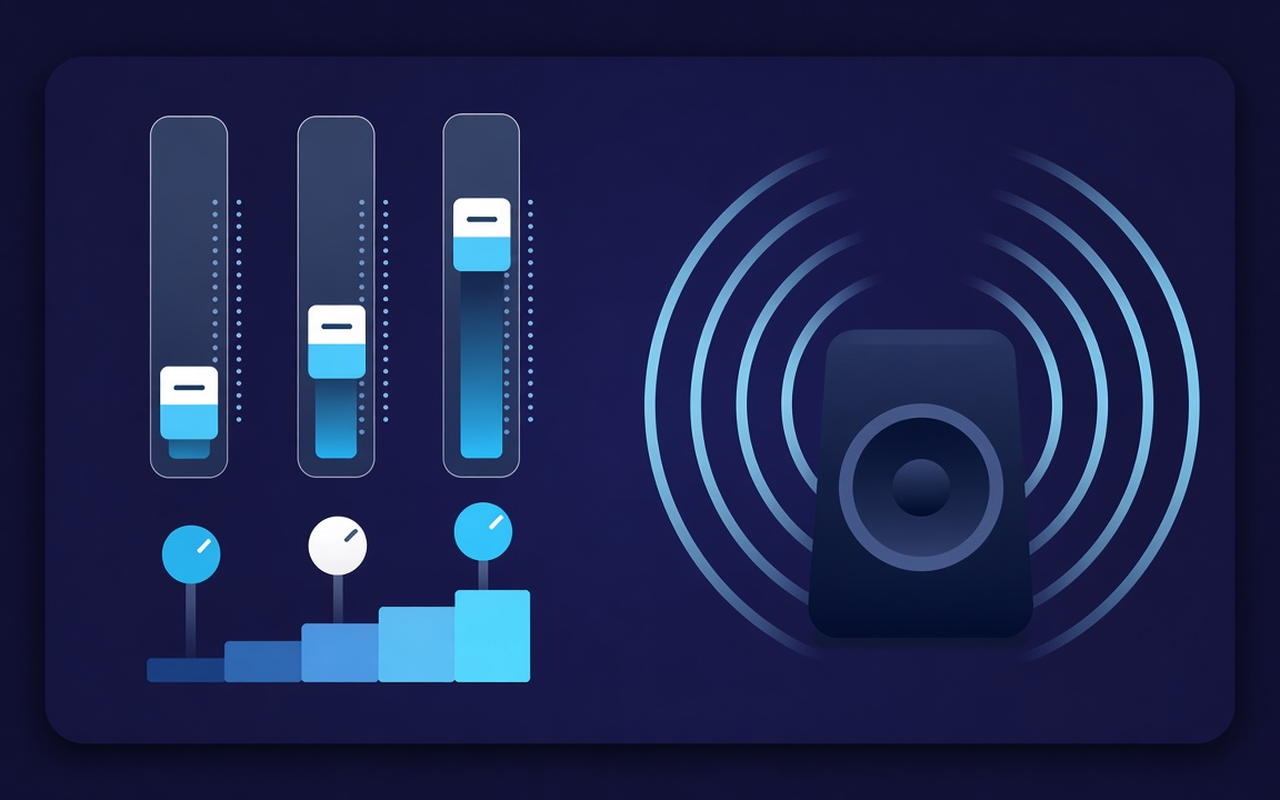
Shift 32, 64, 125, 250, 500, 1000, 2000, 4000, 8000, and 16000 Hz from −12 dB to +12 dB so that a range can be adjusted without rewriting the entire mix.
Give the thin speaker more bass, then shape the lows across ten bands. Turn on effects while taps are played, save the profile of each site, and restore the original mix at any time.
Nada untuk tab yang sedang dimainkan
Shift 32, 64, 125, 250, 500, 1000, 2000, 4000, 8000, and 16000 Hz from −12 dB to +12 dB so that a range can be adjusted without rewriting the entire mix.
Load Bass Boost or increase the low slider when the laptop sounds empty, or use Bass Cut when the room is already roofed.
Jump from Flat to Voice, Rock, Classical, Hip-Hop, Speech, Small Speaker and many more, then push any track after the preset is loaded.
Raise the silent podcast and old clips with the level control next to the track, then slow down again when the next clip is loud.
Processing follows the tab where you enable effects, so other tabs can continue to play the site mix as arranged.
Remember the curve for each site, save up to twenty custom presets, rename them for the job, and delete the sites you added more.
Sederhana dari segi reka bentuk
Penyama pop timbul Chrome untuk tab semasa — sepuluh jalur, tetapan fokus bass dan penggalak volum dengan memori setiap tapak.
Chrome Web Store
“Bass Boost makes slim laptop speakers usable for late-night playlists without touching other tabs.”
“Voice and Speech Preset bring the lecture forward; the volume slider helps when the host records too quietly.”
“Profil setiap tapak bermakna tab kuliah dan tab muzik saya tidak bertembung dalam satu lengkung.”
Tiga langkah pantas
Start the lecture, playlist, or video you want to shape, then open Sound Equalizer – Bass Booster from the toolbar.
Enable processing, load presets or move ten tracks and set the volume. Close the pop-up — work continues on that tab.
Open the pop-up again to change curves, switch presets, turn off power, or restore the original sound sent by the site.
Jawapan sebelum anda memasang
No. Processing remains on the tab where you enable the effect. Other tabs retain the intended site mix until you enable the extension there as well.
Load the Bass Boost preset or increase the low Hz bands (especially 32, 64, and 125). Leave the volume percentage alone unless the clip itself is too quiet.
Each slider is a fixed center frequency from 32 Hz to 16000 Hz, adjustable from -12 dB to +12 dB. Small movements are usually sufficient; extreme boosts can sound muddy or harsh.
Yes. Use the volume control in the pop-up — it can boost the track level up to 600%. Increase in small steps and cut bright or boomy strips if the gain reveals noise.
Profil setiap tapak mengingati lengkung untuk halaman tersebut. Anda juga boleh menyimpan, menamakan semula dan memadam pratetap anda sendiri (sehingga dua puluh) di sebelah sembilan belas nama terbina dalam.
Turn off effects, or use restore original in the pop-up, to hear the untouched stream from the site on that tab.