
പത്ത്-ബാൻഡ് ഗ്രാഫിക് ഇക്വലൈസർ
32, 64, 125, 250, 500, 1000, 2000, 4000, 8000, 16000 Hz എന്നിവ −12 dB-ൽ നിന്ന് +12 dB-ലേക്ക് മാറ്റുക, അങ്ങനെ ഒരു ശ്രേണി മുഴുവൻ മിക്സും മാറ്റാതെ തന്നെ മാറും.
ശീഥിലമായ സ്പീക്കറുകൾക്കു കൂടുതൽ ബാസ് കൊടുക്കുക, അപ്പോൾ പത്തു ബാൻഡുകൾ വഴി ലോസ്സുകൾ രൂപകല്പന ചെയ്യുക. ഒരു ടാബ് പ്ലേ ചെയ്യുമ്പോൾ എഫക്ട് ഓണാക്കുക, സൈറ്റ്-പ്രത്യേക പ്രൊഫൈലുകൾ സംരക്ഷിക്കുക, ഏതു സമയത്തും ഡയറക്ട് മിക്സ് പുനഃസ്ഥാപിക്കുക.
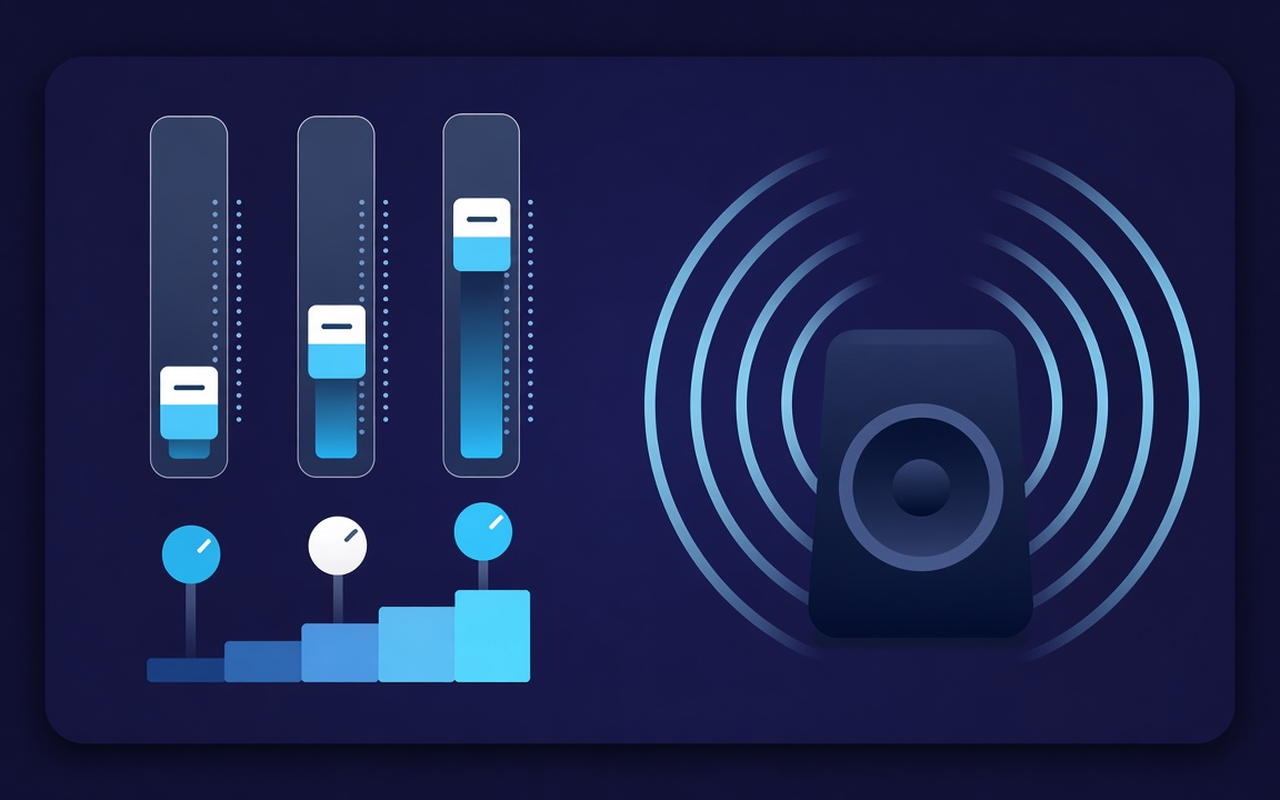
Tone for the playing tab
32, 64, 125, 250, 500, 1000, 2000, 4000, 8000, 16000 Hz എന്നിവ −12 dB-ൽ നിന്ന് +12 dB-ലേക്ക് മാറ്റുക, അങ്ങനെ ഒരു ശ്രേണി മുഴുവൻ മിക്സും മാറ്റാതെ തന്നെ മാറും.
When a laptop sounds distorted, load bass boost or raise the lower sliders, or use bass cut if the room is already booming.
ഫ്ലാറ്റ് മുതൽ വോയ്സ്, റോക്ക്, ക്ലാസിക്കൽ, ഹിപ്-ഹോപ്പ്, സ്പീച്ച്, സ്മോൾ സ്പീക്കറുകൾ എന്നിവ ഉൾപ്പെടെയുള്ള എല്ലാ ശൈലികളിലേക്ക് പോയി, പ്രീസെറ്റ് ലോഡുചെയ്ത ശേഷം ഏത് ബാൻഡിനെയും നഡ്ജ് ചെയ്യുക.
Raise silent podcasts and old clips using the level control next to the bands, return when the next clip is already at peak.
You are following the processing on the tab where the effect is turned on, so on another tab, the author can continue playing the site mix.
Remember the curve for each site, save up to twenty custom presets, rename them for work, remove any you are not using.
ഡിസൈനില് ലളിതം
A Chrome popup equalizer for the current tab - ten bands, bass-focused presets, a volume booster with memory for each site.
Chrome Web Store
“Bass boost makes thin laptop speakers useful for late-night playlists without touching other tabs.”
“വോയ്സ്, സ്പീച്ച് പ്രീസെറ്റുകൾ സംഭാഷണം മുന്നോട്ട് വലിക്കുന്നു; ഒരു ഹോസ്റ്റ് വളരെ നിശബ്ദമായി റെക്കോർഡ് ചെയ്യുമ്പോൾ വോളിയം സ്ലൈഡർ സഹായിക്കുന്നു.”
“Each site interpreting profiles means that my lecture tab and music tab are not competing on a curve.”
മൂന്ന് വേഗമുള്ള ചുവടുകൾ
Start the speech, playlist, or video you want to create, then open Sound Equalizer – Bass Booster from the toolbar.
പ്രോസസ്സിംഗ് പ്രവർത്തനക്ഷമമാക്കുക, ഒരു പ്രീസെറ്റ് ലോഡ് ചെയ്യുക അല്ലെങ്കിൽ പത്ത് ബാൻഡുകൾ നീക്കുക, വോളിയം സജ്ജമാക്കുക. പോപ്പ്അപ്പ് അടയ്ക്കുക - ആ ടാബിൽ ജോലി തുടരുന്നു.
Open the popup again to change the curve, switch presets, power off, and restore the original sound provided by the site.
നിങ്ങൾ ഇൻസ്റ്റാൾ ചെയ്യുന്നതിന് മുമ്പുള്ള ഉത്തരങ്ങൾ
No. Processing will continue on the tab where you enabled the effect. Other tabs will maintain the site's mix until you enable the extension there as well.
Load the bass boost preset or raise the lower Hz bands (specifically 32, 64, 125). If the clip itself is not very silent, only release the volume percentage.
Each slide has a specific center frequency ranging from 32 Hz to 16,000 Hz and can be adjusted from −12 dB to +12 dB. Small adjustments are usually sufficient; extreme boosts may sound harsh or overly sharp.
Yes. Use the volume control in the pop-up - this can increase up to 600% at the tab level. Increase in small steps, trim bright or boomy bands if the gain exposes the sound.
Each site profile remembers the curve of that page. Besides the nineteen built-in names, you can also save, rename, and delete your own presets (up to twenty).
To listen to streams from that tab site without touching, turn off the effect or use restore the original in the popup.