
Desmit joslu grafiskais ekvalaizers
Pārvietojiet 32, 64, 125, 250, 500, 1000, 2000, 4000, 8000 un 16000 Hz no −12 dB līdz +12 dB, lai viena diapazona vērtību varētu mainīt, nepārrakstot visu miksu.
Dodiet plāniem skaļruņiem vairāk basa, tad veidojiet zemos toņus desmit joslās. Ieslēdziet efektu, kamēr atskaņo cilne, saglabājiet profilu katram vietnei un jebkurā laikā atjaunojiet oriģinālo miksu.
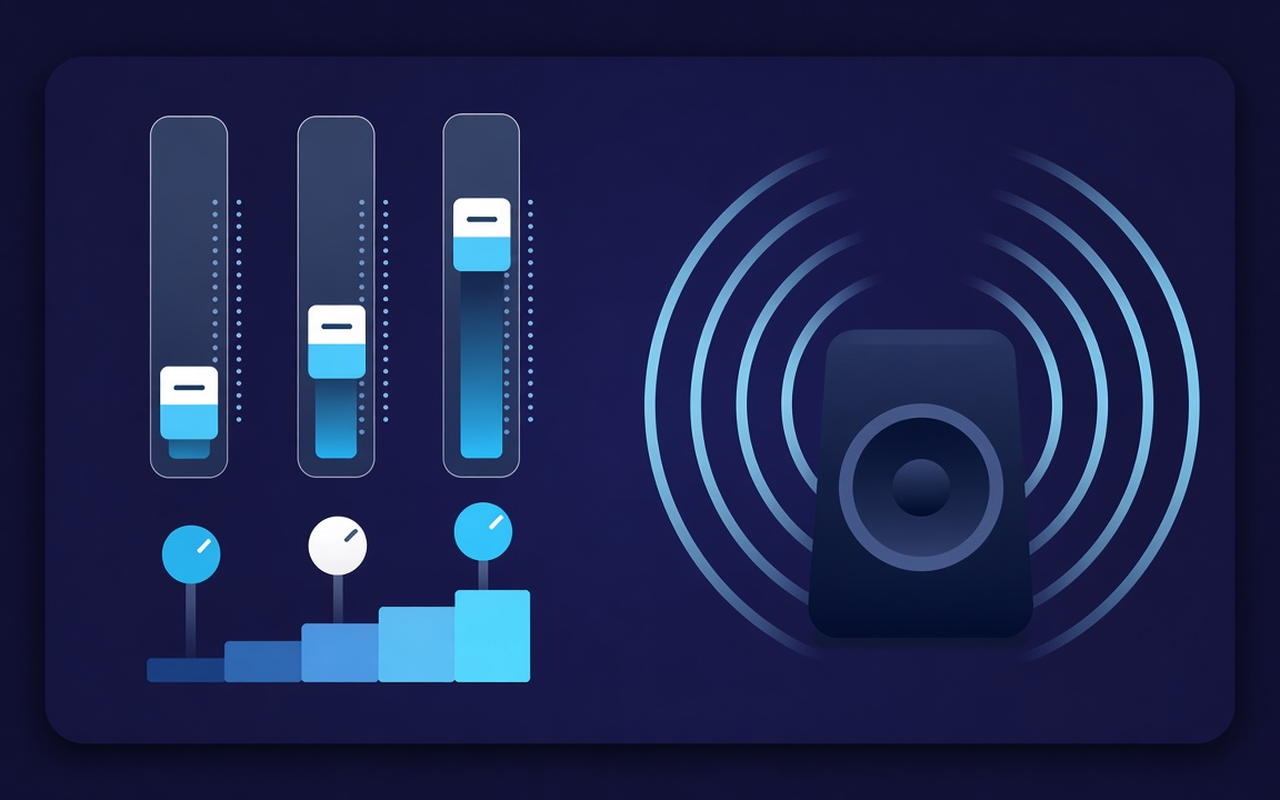
Tones cilne, kas atskaņo
Pārvietojiet 32, 64, 125, 250, 500, 1000, 2000, 4000, 8000 un 16000 Hz no −12 dB līdz +12 dB, lai viena diapazona vērtību varētu mainīt, nepārrakstot visu miksu.
Ielādējiet basa pastiprinājumu vai paceliet zemos slīdņus, kad klēpjdators skan tukši, vai izmantojiet basa samazinājumu, kad telpa jau ir pārblīvēta ar zemo toņu skaņu.
Pārejiet no Flat uz Voice, Rock, Classical, Hip-Hop, Speech, Small Speakers un citām, pēc tam pielāgojiet jebkuru joslu pēc priekšiestatījuma ielādes.
Raise quiet takes and previous clips with level control next to the tracks, then release them back when the next clip is already loud.
Processing occurs in the tab where you enabled the effect, so another tab can continue playing the website collection as it was created.
Atcerieties katras vietnes līkni, saglabājiet līdz divdesmit pielāgotiem sākotnējiem iestatījumiem, pārdēvējiet tos darbam un izdzēsiet tos, kurus esat pārspējis.
Vienkāršs pēc dizaina
Chrome pop-up ekvalaizers pašreizējai cilnei — desmit joslas, uz basu koncentrēti sākotnējie iestatījumi un skaļuma pastiprinātājs ar katras vietnes atmiņu.
Chrome Web Store
“Bass Boost makes the thin laptop speakers usable for playlists late at night without touching other tabs.”
“Voice and speech default settings drive the conversation forward; the volume slider helps if the host is recording too quietly.”
“Site profiles mean that my lecture tab and music tab do not compete for the same track.”
Trīs ātri soļi
Start the lecture, playlist, or video you want to create, then open Sound Equalizer – Bass Booster in the toolbar.
Enable processing, load the initial setting, or move ten sliders and set the volume. Close the pop-up window — work on this tab will continue.
Reopen the pop-up window to change the curve, toggle the default settings, turn off the power, or restore the default sound provided by the site.
Atbildes pirms instalēšanas
No. Processing stays in the tab where you enabled the effect. Other tabs retain the intended site until you enable the extension there as well.
Load the Bass Boost preset or increase the low Hz bands (especially 32, 64, and 125). Leave the volume percentages alone unless the clip itself is too quiet.
Each slider has a fixed center frequency from 32 Hz to 16,000 Hz, adjustable from –12 dB to +12 dB. Usually, small movements are sufficient; extreme boosts may sound muddy or harsh.
Yes. Use the volume control in the pop-up — it can raise the tab level up to 600%. Increase in small steps and turn off bright or dynamic bands if the boost creates noise.
Vietnes profili atceras šīs lapas līkni. Jūs varat arī saglabāt, pārdēvēt un dzēst savus sākotnējos iestatījumus (līdz divdesmit) blakus deviņpadsmit iebūvētajiem nosaukumiem.
Turn off the effect or use the restored original in the pop-up window to hear the untouched stream from the site in this tab.