
Ten-band graphic equalizer
Move 32, 64, 125, 250, 500, 1000, 2000, 4000, 8000, and 16000 Hz from −12 dB to +12 dB so one range can change without rewriting the whole mix.
Dajte tankim zvučnicima više basa, a zatim oblikujte niske kroz deset pojaseva. Uključite efekt dok svira kartica, spremite profile po web-mjestu i vratite izvorni miks bilo kada.
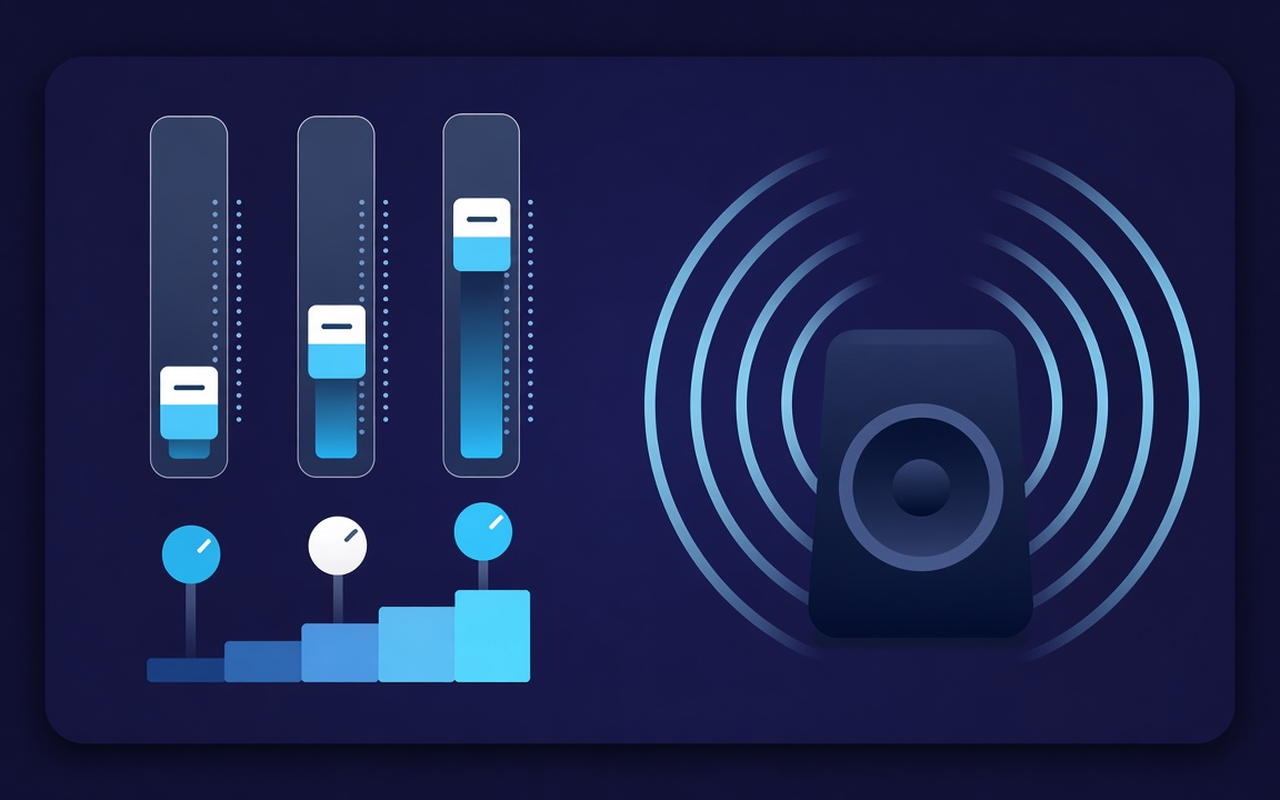
Ton za karticu koja se reproducira
Move 32, 64, 125, 250, 500, 1000, 2000, 4000, 8000, and 16000 Hz from −12 dB to +12 dB so one range can change without rewriting the whole mix.
Load Bass Boost or raise the low sliders when a laptop sounds hollow, or use Bass Cut when the room is already boomy.
Jump from Flat to Voice, Rock, Classical, Hip-Hop, Speech, Small Speakers, and more, then nudge any band after the preset loads.
Lift quiet podcasts and older clips with the level control beside the bands, then ease back when the next clip is already loud.
Processing follows the tab where you turned the effect on, so another tab can keep playing the site mix as authored.
Remember the curve for each site, save up to twenty custom presets, rename them for the job, and delete the ones you outgrow.
Jednostavan po dizajnu
A Chrome popup equalizer for the current tab — ten bands, bass-focused presets, and a volume booster with per-site memory.
Chrome Web Store
“Bass Boost makes thin laptop speakers usable for late-night playlists without touching other tabs.”
“Voice and Speech presets pull talk forward; the volume slider helps when a host recorded too quietly.”
“Per-site profiles mean my lecture tab and music tab do not fight over one curve.”
Tri brza koraka
Start the lecture, playlist, or video you want to shape, then open Sound Equalizer – Bass Booster from the toolbar.
Enable processing, load a preset or move the ten bands, and set the volume. Close the popup — work continues on that tab.
Reopen the popup to change the curve, switch presets, power off, or restore the original sound the site delivered.
Odgovori prije instalacije
No. Processing stays on the tab where you turned the effect on. Other tabs keep the mix the site intended until you enable the extension there too.
Load the Bass Boost preset or raise the low Hz bands (especially 32, 64, and 125). Leave the volume percentage alone unless the clip itself is too quiet.
Each slider is a fixed center frequency from 32 Hz to 16000 Hz, movable from −12 dB to +12 dB. Small moves are usually enough; extreme boosts can sound muddy or harsh.
Yes. Use the volume control in the popup — it can raise the tab level up to 600%. Increase in small steps and trim bright or boomy bands if the gain exposes noise.
Per-site profiles remember the curve for that page. You can also save, rename, and delete your own presets (up to twenty) beside the nineteen built-in names.
Turn the effect off, or use restore original in the popup, to hear the untouched stream from the site on that tab.