
Hamar bandako berdinketa grafikoa
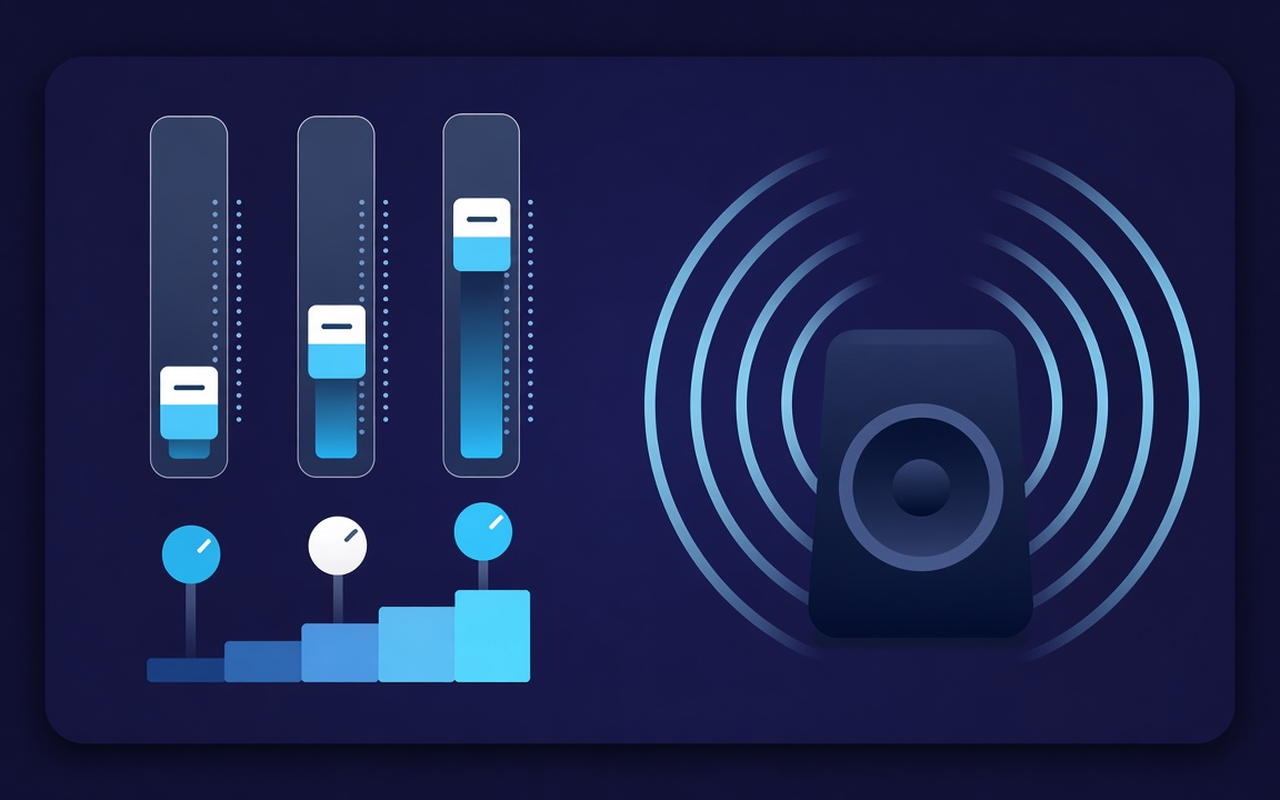
Mugitu 32, 64, 125, 250, 500, 1000, 2000, 4000, 8000 eta 16000 Hz -12 dB-tik +12 dB-ra, sorta bat alda daiteke nahasketa osoa berridatzi gabe.
Eman bozgorailu meheei baxu gehiago eta, ondoren, moldatu baxuak hamar bandatan. Aktibatu efektua fitxa bat erreproduzitzen den bitartean, gorde gune bakoitzeko profilak eta leheneratu jatorrizko nahasketa edonoiz.
Erreproduzitzen ari den fitxaren tonua
Mugitu 32, 64, 125, 250, 500, 1000, 2000, 4000, 8000 eta 16000 Hz -12 dB-tik +12 dB-ra, sorta bat alda daiteke nahasketa osoa berridatzi gabe.
Kargatu Bass Boost edo igo graduatzaile baxuak ordenagailu eramangarri batek hutsunea jotzen duenean, edo erabili Bass Cut aretoa gorakada dagoenean.
Saltatu lautik Ahotsera, Rockera, Klasikoa, Hip-Hopra, Hizkera, Bozgorailu txikietara eta abar, eta, gero, mugitu edozein talde aurrez ezarritako kargaren ondoren.
Altxa podcast lasaiak eta klip zaharragoak banden ondoan dagoen maila-kontrolarekin, eta, gero, itzul zaitez hurrengo klipa ozen dagoenean.
Prozesatzeak efektua aktibatu duzun fitxari jarraitzen dio, eta, beraz, beste fitxa batek webgunearen nahasketa egilearen moduan erreproduzitzen jarrai dezake.
Gogoratu gune bakoitzaren kurba, gorde gehienez hogei aurrezarpen pertsonalizatu, izena aldatu lanari eta ezabatu gainditzen dituzunak.
Diseinu sinplea
A Chrome popup equalizer for the current tab — ten bands, bass-focused presets, and a volume booster with per-site memory.
Chrome Web Store
“Bass Boost makes thin laptop speakers usable for late-night playlists without touching other tabs.”
“Voice and Speech presets pull talk forward; the volume slider helps when a host recorded too quietly.”
“Per-site profiles mean my lecture tab and music tab do not fight over one curve.”
Hiru urrats azkar
Start the lecture, playlist, or video you want to shape, then open Sound Equalizer – Bass Booster from the toolbar.
Enable processing, load a preset or move the ten bands, and set the volume. Close the popup — work continues on that tab.
Reopen the popup to change the curve, switch presets, power off, or restore the original sound the site delivered.
Erantzunak instalatu aurretik
No. Processing stays on the tab where you turned the effect on. Other tabs keep the mix the site intended until you enable the extension there too.
Load the Bass Boost preset or raise the low Hz bands (especially 32, 64, and 125). Leave the volume percentage alone unless the clip itself is too quiet.
Each slider is a fixed center frequency from 32 Hz to 16000 Hz, movable from −12 dB to +12 dB. Small moves are usually enough; extreme boosts can sound muddy or harsh.
Yes. Use the volume control in the popup — it can raise the tab level up to 600%. Increase in small steps and trim bright or boomy bands if the gain exposes noise.
Per-site profiles remember the curve for that page. You can also save, rename, and delete your own presets (up to twenty) beside the nineteen built-in names.
Turn the effect off, or use restore original in the popup, to hear the untouched stream from the site on that tab.